What can The Study Concept do?
Capture course material, understand difficult ideas, and turn every deadline into a clear next action.
Capture your learning.
Lectures, readings, assignments, and personal notes stay connected to the course and topic they came from.
See how capture works
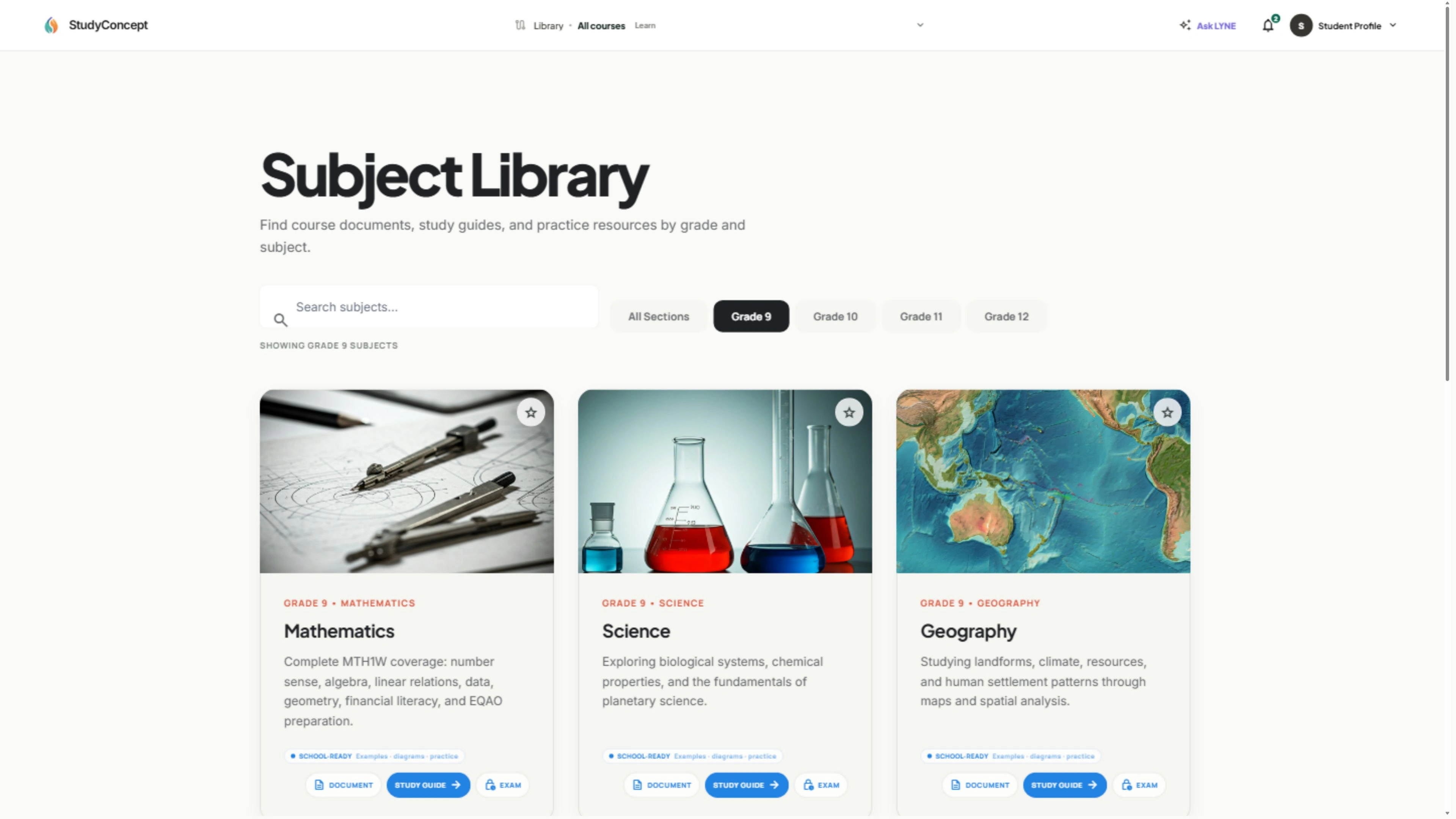
Bring a note, source, or assignment into its course first. The Study Concept keeps the original context attached, so a useful thought can become a focused document, task, or review prompt without being lost in another folder.
Understand ideas.
Move from a question to the relevant source, explanation, and connected concepts without hunting through files.
See how understanding builds
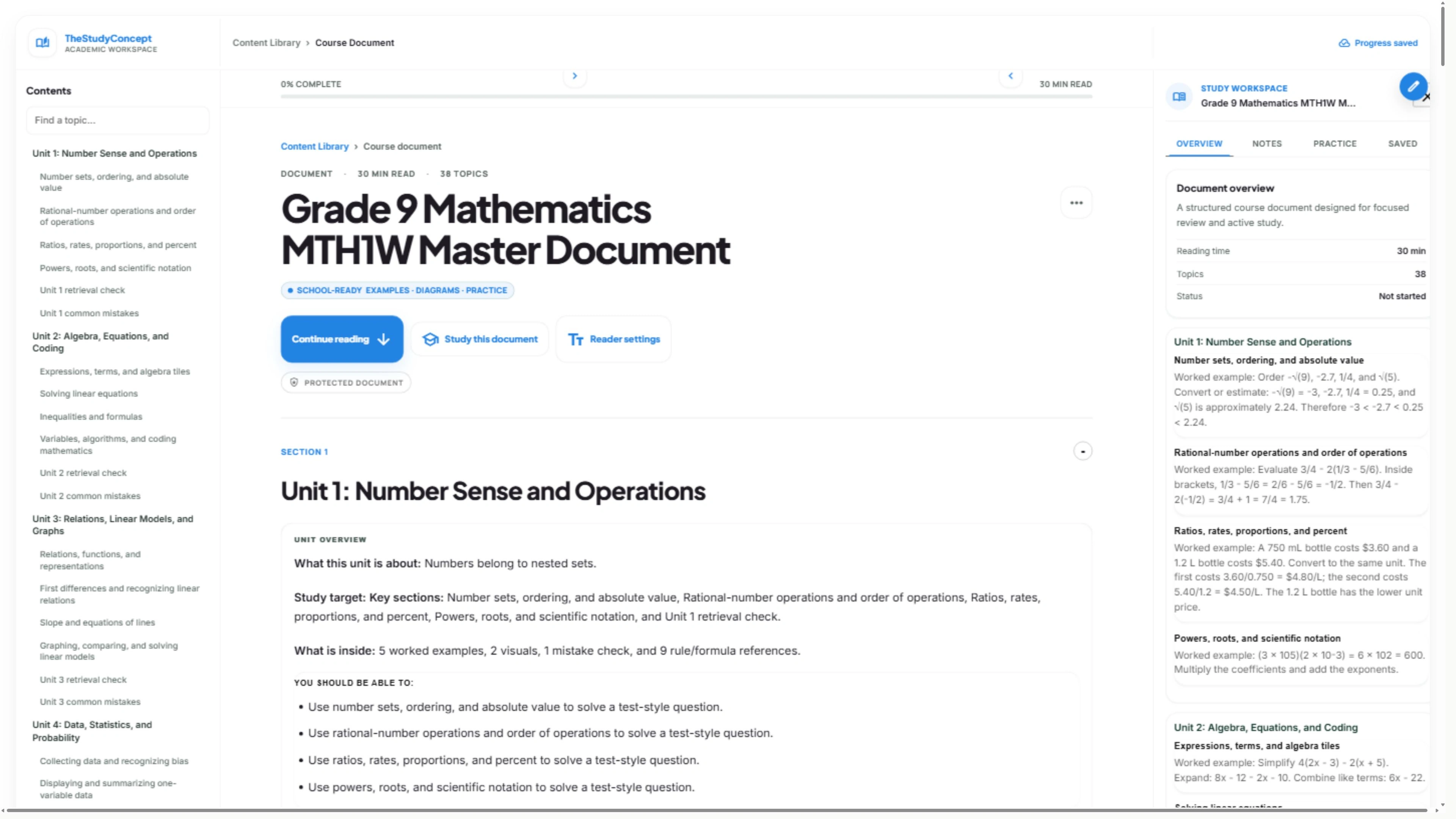
Open the relevant source, follow the connected ideas, and return to the concept you need. The goal is not more tabs—it is a shorter path from a difficult question to a clear next step.
Keep study moving.
LYNE keeps track of context, deadlines, and progress so you can focus on understanding the material.

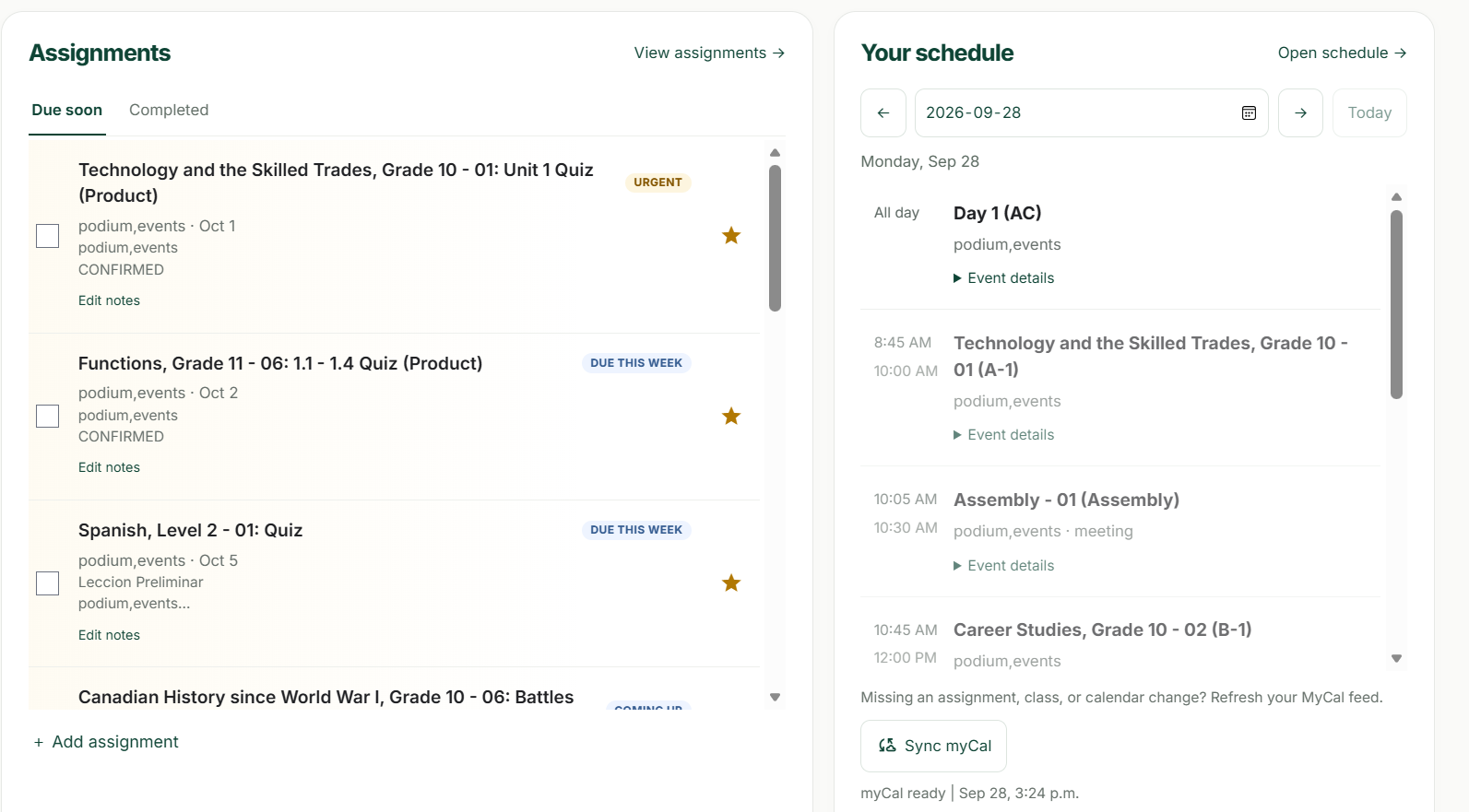
See how the study flow stays useful
Your plan responds to what is due, what you have already covered, and where you need more practice. LYNE can point you to the next action while you stay in control of the work.
Built for learners.
A focused academic workspace with privacy, accessibility, and control built in.

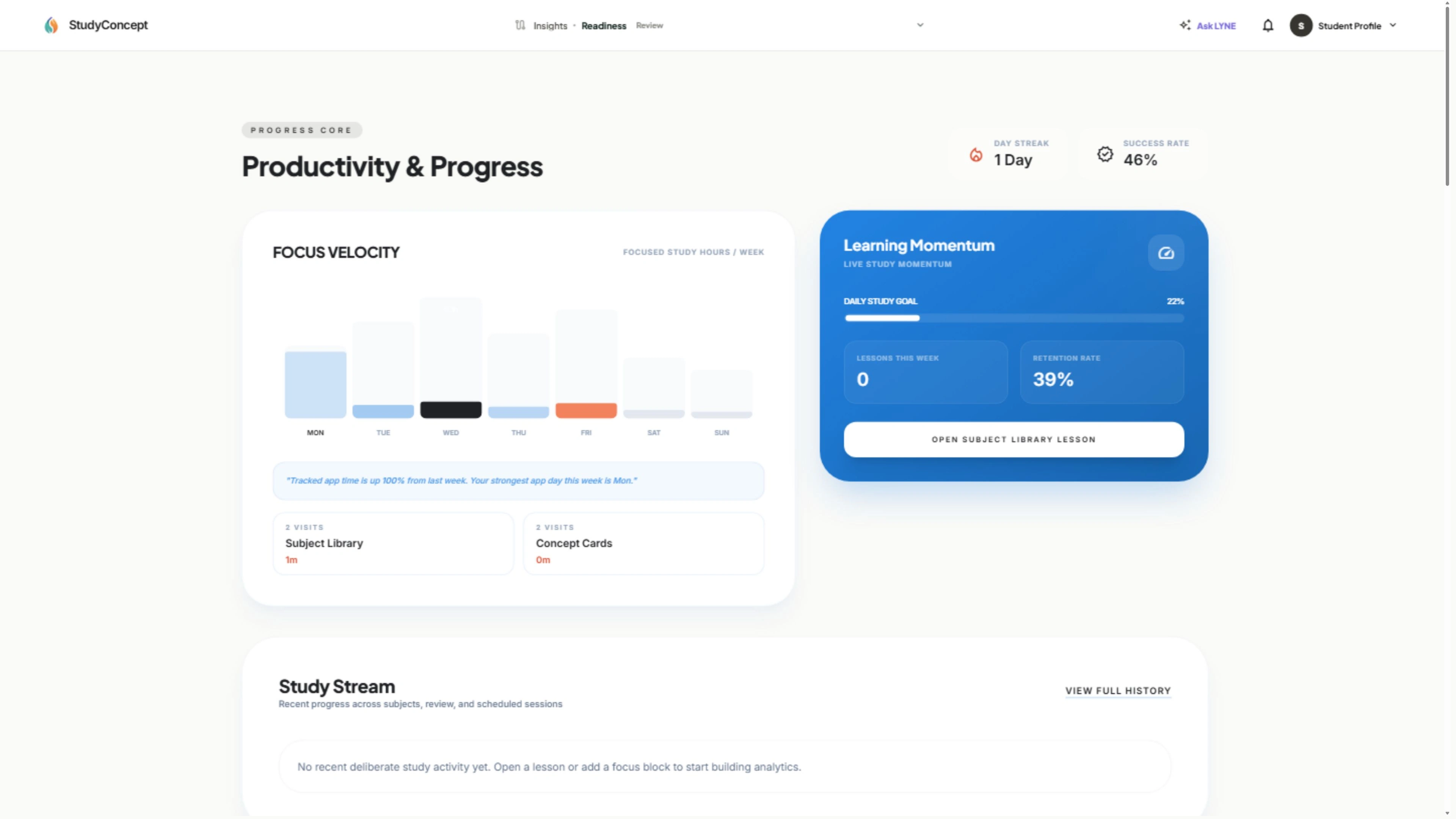
See how your workspace stays yours
Privacy, clear sharing choices, and predictable access are built into the study system, so personal course work remains organized without turning it into public content.